

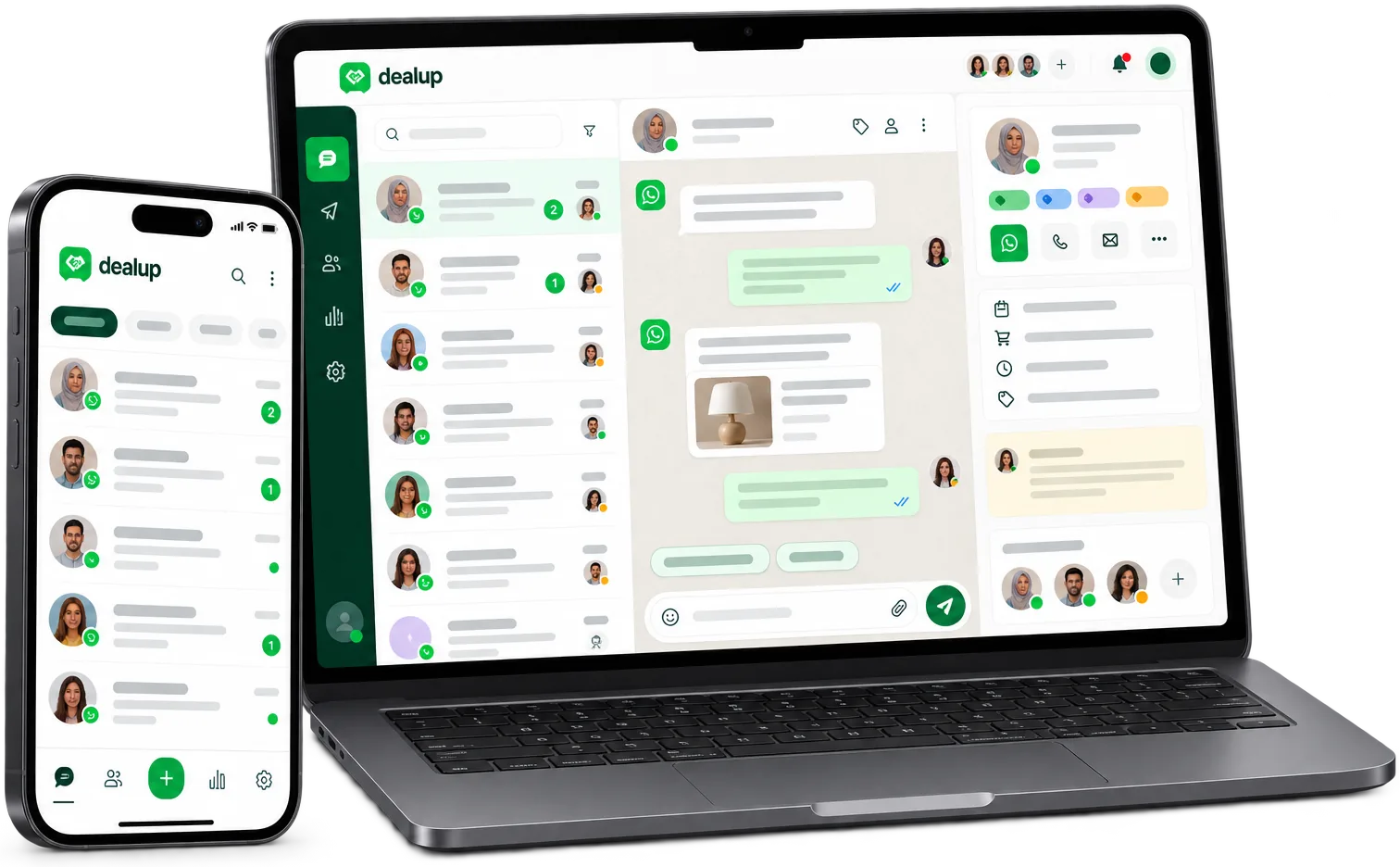
One inbox. Your entire team.
Assign, tag, and track every conversation without losing context — even across many agents and high-volume channels.
WhatsApp conversations get lost in personal phones
When teams use personal WhatsApp or a single business account, conversations slip through the cracks. No one knows who's handling what. Context disappears when someone leaves. Customers wait.
- Conversations live on individual phones — no shared visibility
- No way to assign or hand off chats cleanly between agents
- Customer history is fragmented or missing entirely
- Managers can't see team workload or response times
Bring order to every WhatsApp conversation
Smart assignment
Automatic or manual routing ensures every conversation lands with the right agent.
Tags & internal notes
Add context that stays with the conversation — visible to the whole team, invisible to customers.
Customer history at a glance
Pull up every past exchange, order, and note in one click before you reply.
Team presence
See who's available, who's busy, and who's already on a request — no duplicate replies.
A shared inbox built for how teams actually work
Dealup's Team Inbox turns a chaotic messaging channel into an organized, accountable workspace.
Conversation assignment
Auto-assign by topic, language, or workload — or manually claim any chat with one click.
- Round-robin, skill-based, or manual assignment
- Reassign instantly with full context preserved
- Unassigned queue so nothing falls through
Internal collaboration
Tag teammates, leave private notes, and loop in specialists without the customer seeing a thing.
- @mention teammates in internal notes
- Private notes never visible to customers
- Track who added what and when
Customer profiles
Every conversation shows the customer's full history — orders, tags, previous chats, and custom fields.
- Unified timeline across all channels
- Custom fields for your business data
- Quick actions: create order, update status, add tag
Performance visibility
Managers see real-time queue status, response times, and per-agent workload.
- Live dashboard: open, waiting, resolved
- First response time and resolution time
- Export reports for coaching and planning
Dealup Team Inbox vs. personal WhatsApp
Personal WhatsApp wasn't built for teams. Dealup was.
| Personal / Business App | Dealup Team Inbox | |
|---|---|---|
| Shared visibility | Conversations siloed on individual phones | One inbox — every agent sees every conversation |
| Assignment & handoff | Forward screenshots or copy-paste context | One-click assign or reassign with full history |
| Internal notes | Separate group chat or sticky notes | Private notes attached to each conversation |
| Customer context | Ask customer to repeat order number, issue | Full profile & history visible before reply |
| Team analytics | Guesswork — no metrics | Real-time queue, response times, agent load |
Teams that run on WhatsApp
Sales teams
Qualify leads faster, hand off to closers, and never lose a hot prospect in a personal chat.
Support teams
Resolve tickets with full context, escalate seamlessly, and hit your SLA targets.
E-commerce operations
Track order inquiries, returns, and delivery updates in one place — linked to your shop data.
Agencies & BPOs
Manage multiple client WhatsApp accounts from one workspace with strict data separation.
Frequently asked questions
Can multiple agents reply to the same conversation?
Only one agent is assigned at a time to avoid collisions. Reassign instantly if needed — the new agent sees the full thread.
Do internal notes sync to the customer's WhatsApp?
No. Internal notes and @mentions are only visible inside Dealup. Customers never see them.
Can I use Team Inbox with my existing WhatsApp Business number?
Yes. Connect your WhatsApp Business Platform number to Dealup and all conversations flow into the shared inbox.
Is there a limit to how many agents can use the inbox?
No. Add as many agents as your team needs — each gets their own login and permissions.
Can I filter conversations by tag, status, or assignee?
Yes. Filter and save custom views (e.g., 'My open chats', 'Urgent', 'Spanish speakers') for quick access.
Stop losing conversations. Start closing them.
Give your team the shared inbox they need to work together on WhatsApp.