

Set the rules once. Let Dealup handle every lead from there.
Build trigger-based scenarios that qualify, reply, route, and follow up on WhatsApp conversations automatically — while your team stays focused on the conversations that need them.
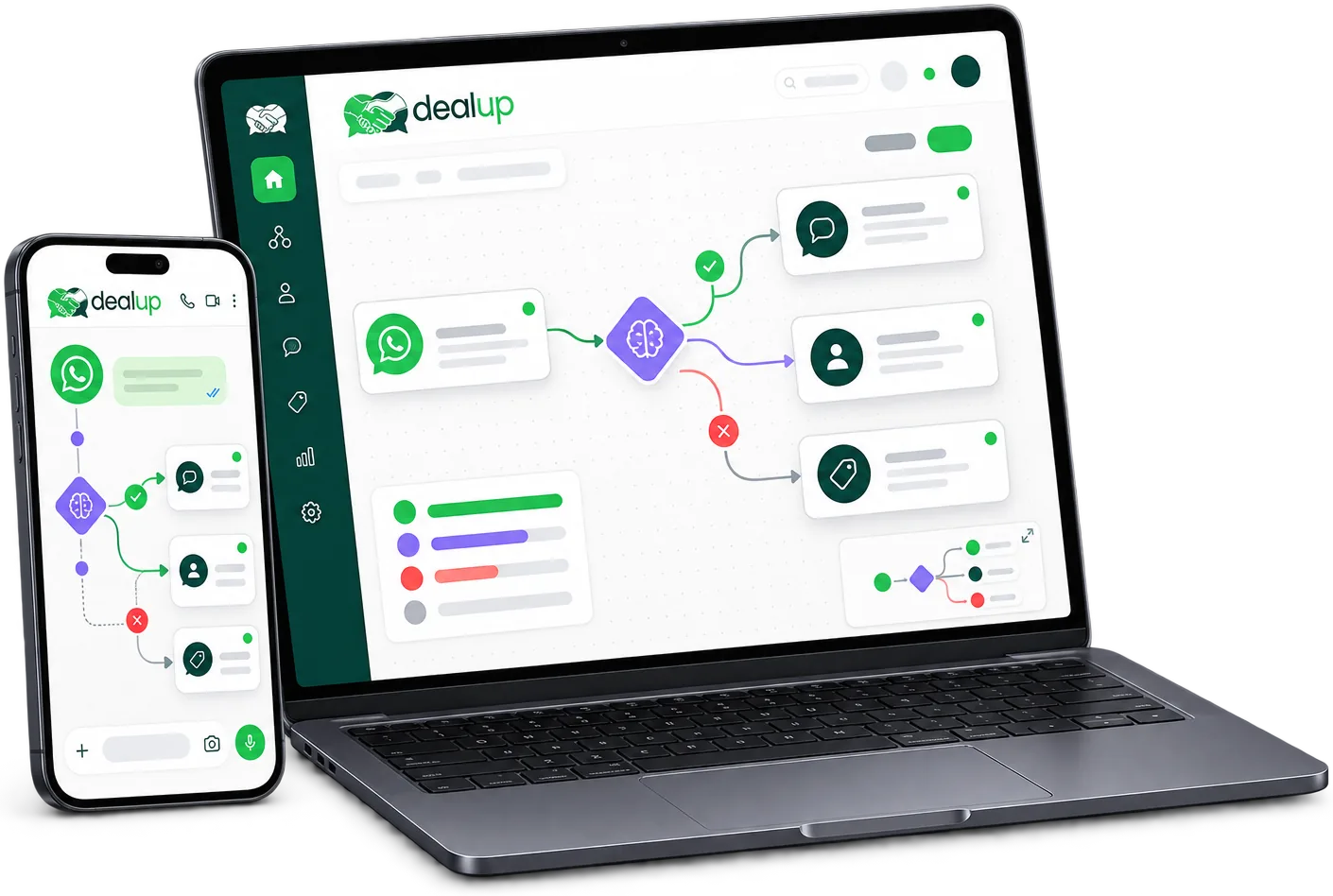
Every lead deserves a fast reply. Your team can't send them all.
Manual processes don't scale with WhatsApp volume. Leads go cold waiting for a reply, simple questions eat up agent time, and conversations get stuck without a clear owner.
- Leads sit unanswered outside business hours and go cold before anyone replies
- Agents spend time answering the same questions and routing conversations by hand instead of closing deals
- Without clear assignment rules, conversations get missed, duplicated, or picked up by the wrong person
- Following up on cold leads is easy to forget once the pipeline gets busy
Workflows that keep every conversation moving
No-code automation builder
Build multi-step scenarios visually — no developer needed to launch or update a workflow.
Faster first response
Auto-replies and keyword triggers acknowledge every incoming message the moment it arrives.
The right conversation reaches the right person
Routing rules assign conversations by intent, team, or availability, automatically.
Leads that don't fall through the cracks
Follow-up sequences keep cold leads engaged without anyone needing to remember to check back.
Everything you need to automate a WhatsApp workflow
From the first message to the final handoff, build automations that react to real conditions instead of running on a fixed script.
Visual automation builder
Design multi-step scenarios on a drag-and-drop canvas — trigger, conditions, and actions, all in one view.
- Start from a trigger like a new message, a keyword, or a tag
- Add branching conditions to send different leads down different paths
- Test and publish changes without touching a line of code
Conditions & branching logic
Route each conversation down the path that fits it, based on the data and context you already have.
- Branch on message content, contact attributes, time of day, or lead source
- Combine multiple conditions with AND/OR logic for precise scenarios
- Fall back to a default path so no conversation ends up stuck
Auto-replies & keyword triggers
Answer common questions and acknowledge new messages instantly, any hour of the day.
- Trigger a reply the moment a keyword or phrase is detected
- Send instant acknowledgements while a human agent becomes available
- Set business-hours and away-message automation for evenings and weekends
Lead routing & follow-up sequences
Get every conversation to the right owner and keep unresponsive leads in the loop.
- Assign conversations by team, agent workload, or lead score
- Trigger multi-step follow-up sequences for leads that go quiet
- Auto-assign into Team Inbox the moment a routing rule matches
Dealup Automations vs. doing it by hand
The difference isn't just speed — it's consistency, every single time.
| Manual process | Dealup Automations | |
|---|---|---|
| First response | Whoever's free replies whenever they see the message | An automated reply or acknowledgement fires the instant a message arrives |
| Lead qualification | An agent asks qualifying questions one conversation at a time | Conditions and AI qualification score and tag leads automatically |
| Assigning conversations | Someone manually checks the inbox and hands off conversations | Routing rules auto-assign each conversation to the right team or agent |
| Following up on cold leads | Relies on an agent remembering to check back | Follow-up sequences run on a schedule until the lead responds or converts |
| After-hours coverage | Messages wait until someone is back online | Away messages and business-hours rules respond around the clock |
Automations for the way your team actually works
Sales teams
Auto-qualify inbound leads and route hot prospects straight to the right sales rep.
Support teams
Answer common questions instantly and escalate complex issues to the right agent, automatically.
E-commerce
Send order confirmations, respond to product questions, and follow up on abandoned conversations without lifting a finger.
Real estate & showrooms
Qualify visitor interest by property or product, then route each lead to the agent who's showing it.
Works with
Frequently asked questions
Do I need to know how to code to build an automation?
No. The automation builder is fully visual — set a trigger, add conditions, and choose actions on a drag-and-drop canvas.
What can trigger an automation?
A new WhatsApp message, a specific keyword, a tag change, a new lead, or an inactivity period can all start a scenario.
Can automations hand off to a human agent?
Yes. Any automation can route a conversation into Team Inbox at any step, so a person picks up exactly where the workflow left off.
Can I set different rules for business hours and after hours?
Yes. Configure away messages and different routing rules for evenings, weekends, or holidays, and they switch automatically.
How does automation work with AI Agents?
AI Agents can qualify a lead's intent inside an automation, and the result — hot, cold, or a specific need — determines which path and action runs next.
Build your first automation in minutes
Set the triggers once. Dealup keeps every conversation moving from there.