

See what your conversations actually deliver.
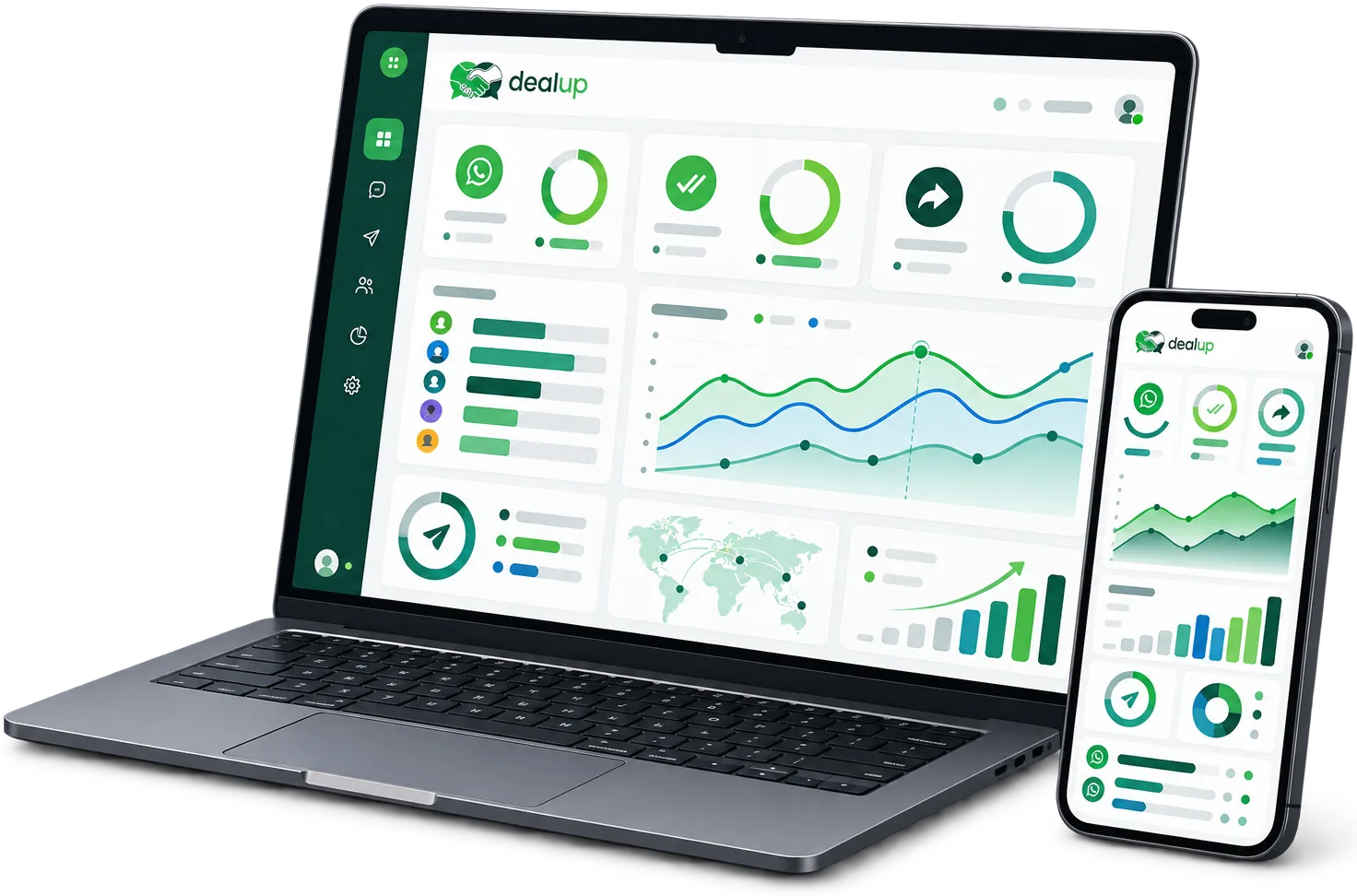
Dealup Analytics brings campaigns, agents, and automations into one real-time view, so you always know what's working and what needs attention.
You're guessing at what's actually working
WhatsApp conversations move fast, but the results usually stay scattered across chats, spreadsheets, and gut feel.
- Campaign results live in one tool, agent activity in another, and nothing lines up
- No clear view of which messages got delivered, read, or ignored
- Slow or inconsistent agent response times go unnoticed until a customer complains
- Budget keeps going to campaigns with no proof of what they actually deliver
One dashboard, every answer you need
Complete clarity in real time
Every message, agent, and campaign feeds one live dashboard, so you always know where you stand.
Continuous optimisation
Spot what's converting and what's stalling early enough to actually change the outcome.
Better, faster decisions
Stop debating opinions and start acting on what the numbers show, from budget to staffing.
Proof for every stakeholder
Exportable reports give managers and finance teams the numbers they need, without extra manual work.
Analytics built around every conversation
Dealup Analytics tracks performance from the first message sent to the deal closed, across your entire WhatsApp activity.
Real-time performance dashboard
Monitor campaigns, agents, and automations in one live view that updates with every new conversation.
- A unified dashboard for every campaign, agent, and automation
- Custom date ranges and segment filters to focus on what matters
- Drill from a top-line number into the conversations behind it in one click
Message-level metrics
Follow every message through its full lifecycle: sent, delivered, read, replied to, and converted.
- Delivery, read, and reply rates for every message and campaign
- Conversion tracking from first message to closed deal
- Pinpoint exactly where leads drop off in the conversation
Agent performance & response-time reporting
Track how your Team Inbox performs, agent by agent, so coaching and staffing decisions are based on evidence, not impressions.
- Response times and resolution rates by agent and by team
- Conversation volume and workload distribution at a glance
- Exportable reports ready for coaching sessions and planning
Campaign ROI & attribution
Connect spend to results across Campaigns and Click-to-WhatsApp Ads, so every budget decision has a number behind it.
- Attribution from ad click or campaign send through to conversation and conversion
- Side-by-side comparison of campaigns, channels, and offers
- A clear view of which campaigns deserve more budget, and which don't
Spreadsheets & guesswork vs. Dealup Analytics
See how visibility into your WhatsApp performance changes once everything lands in one place.
| Spreadsheets & guesswork | Dealup Analytics | |
|---|---|---|
| Campaign results | Pulled manually from exports and chat logs | Live in the dashboard, as soon as messages send and land |
| Agent performance | Estimated by impression, rarely measured | Response times and resolution tracked per agent |
| Campaign ROI | Hard to connect from ad spend to closed deal | Attribution from click through to conversion |
| Reporting for stakeholders | Rebuilt by hand before every meeting | Exportable reports ready in seconds |
| Time to insight | Days, waiting for someone to compile the numbers | Real-time, with custom date ranges and filters |
Built for every team that runs on WhatsApp
Sales teams
Track conversion by rep and by campaign, and see exactly which conversations turn into revenue.
Support teams
Monitor response times and resolution rates to keep service quality steady as volume grows.
Marketing teams
Prove the ROI of campaigns and Click-to-WhatsApp Ads with attribution that follows the click through to the sale.
Team leads & operations
Use exportable reports for coaching, staffing plans, and stakeholder updates, without compiling numbers by hand.
Works with
Frequently asked questions
What metrics does Dealup Analytics actually track?
Message delivery, read, and reply rates, conversion through to closed deal, agent response times and resolution rates, and campaign performance and ROI, all in one dashboard.
Can I see performance for individual agents?
Yes. Response time, resolution, and conversation volume are all reported per agent and per team, tied directly to activity in Team Inbox.
How does Dealup connect campaign spend to results?
Analytics attributes each conversation back to the campaign or Click-to-WhatsApp Ad that started it, so you can follow a click through to conversion.
Can I export reports?
Yes. Reports export in seconds, ready to use for coaching sessions, planning, or stakeholder updates.
Can I filter data by date range or segment?
Yes. Custom date ranges and segment filters let you focus on a specific campaign, team, or time period whenever you need to.
Stop guessing. Start measuring what converts.
Give your team one real-time view of campaigns, agents, and automations, so every decision is backed by data.